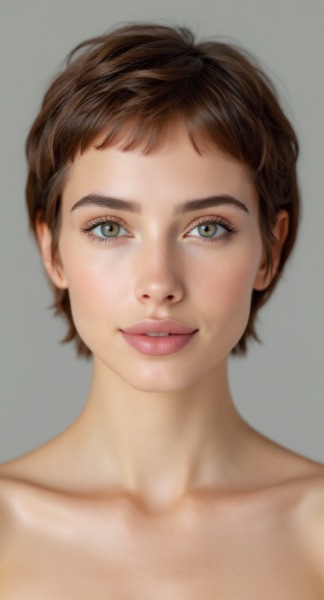
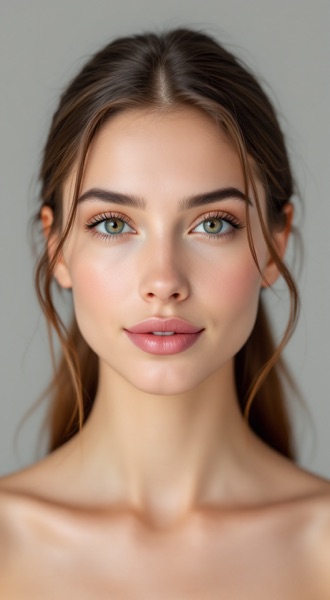
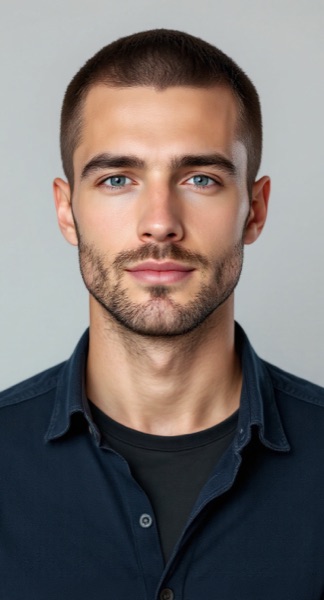
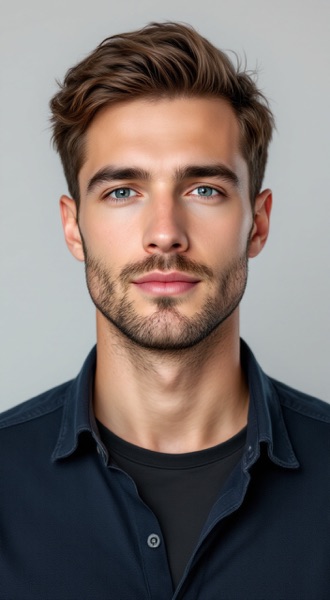
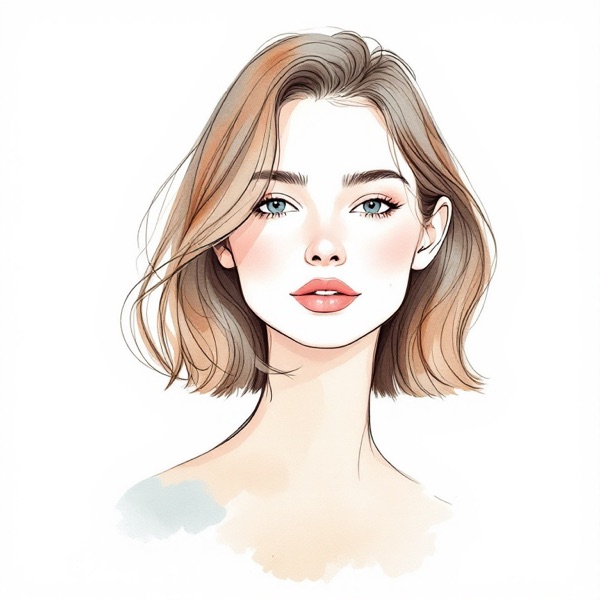
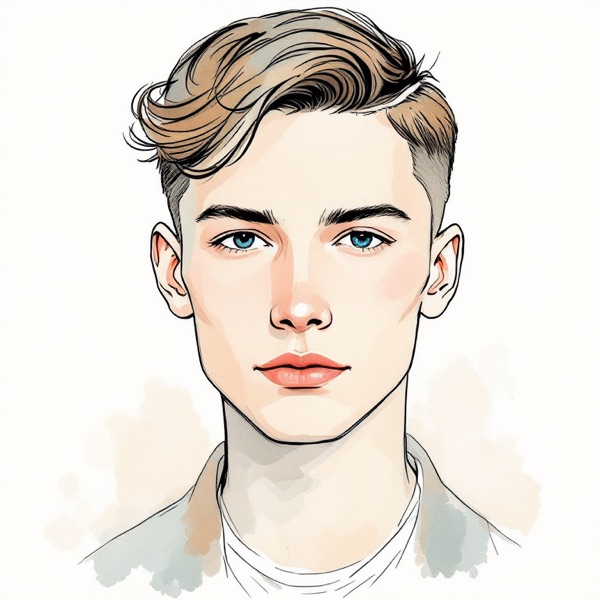
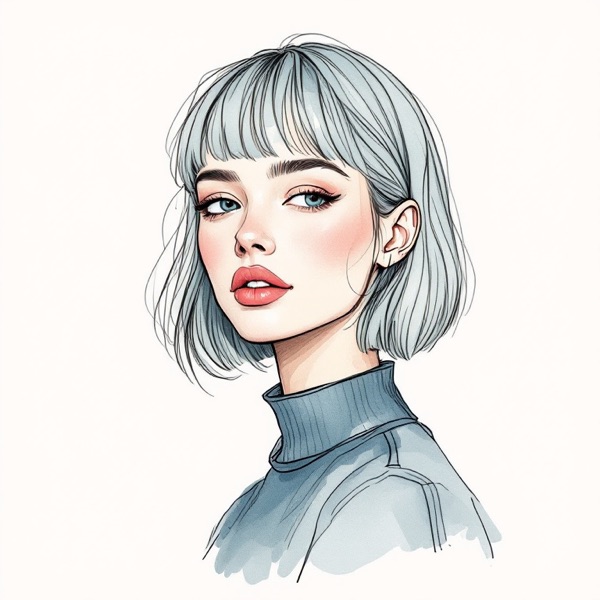
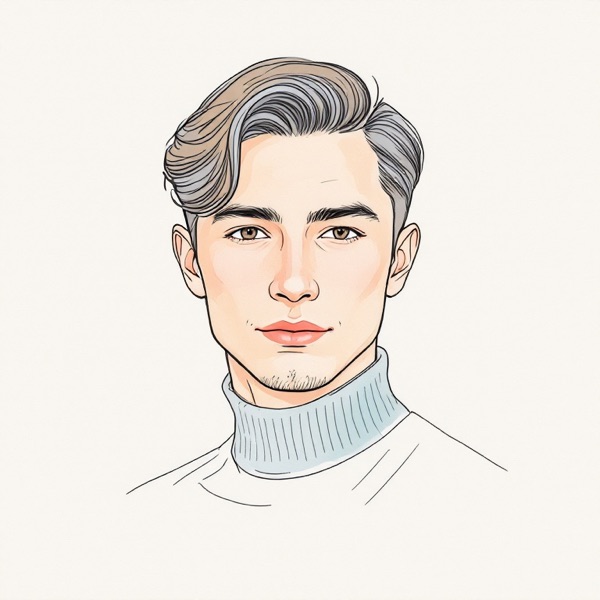
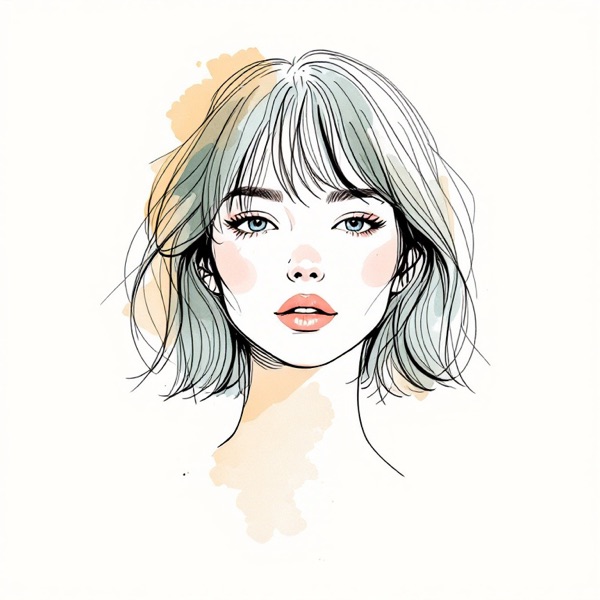
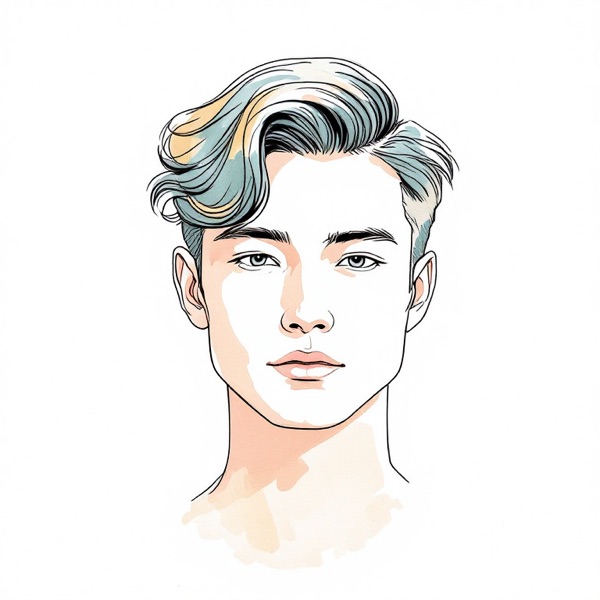
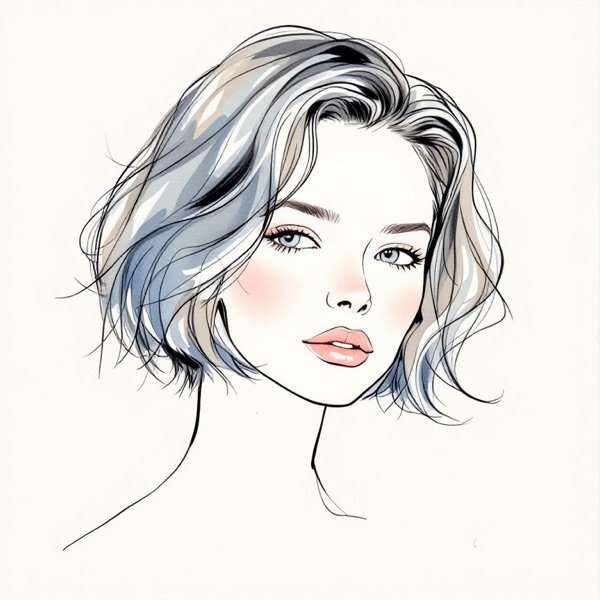
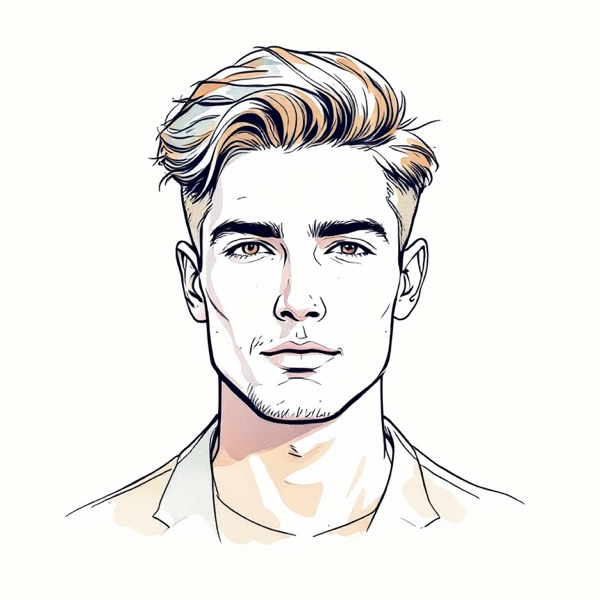
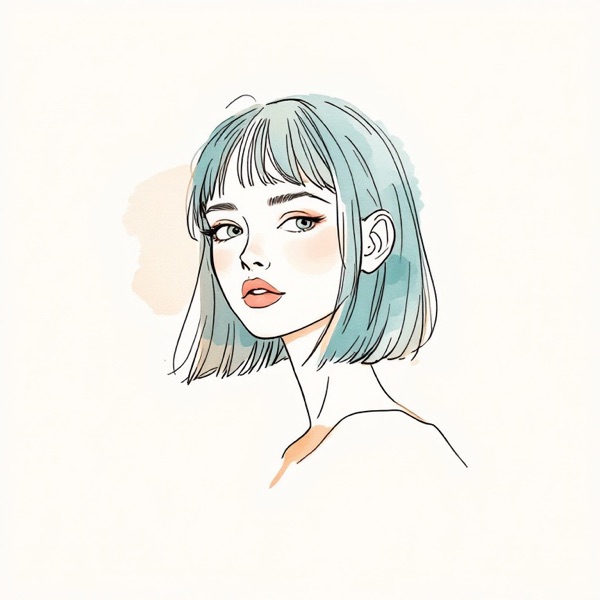
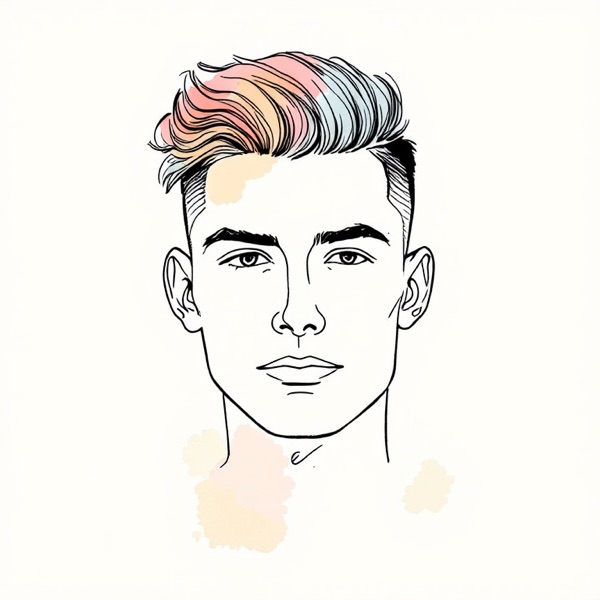
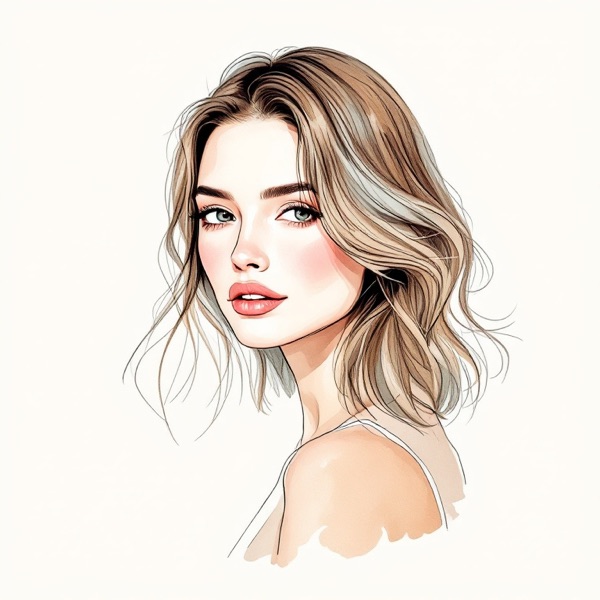
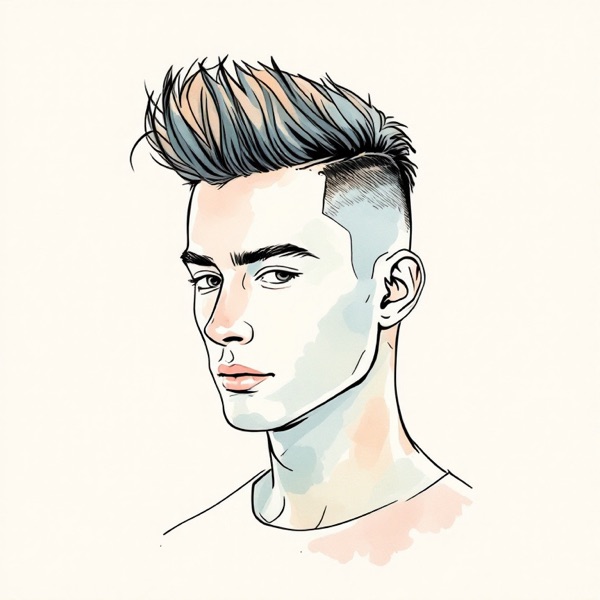
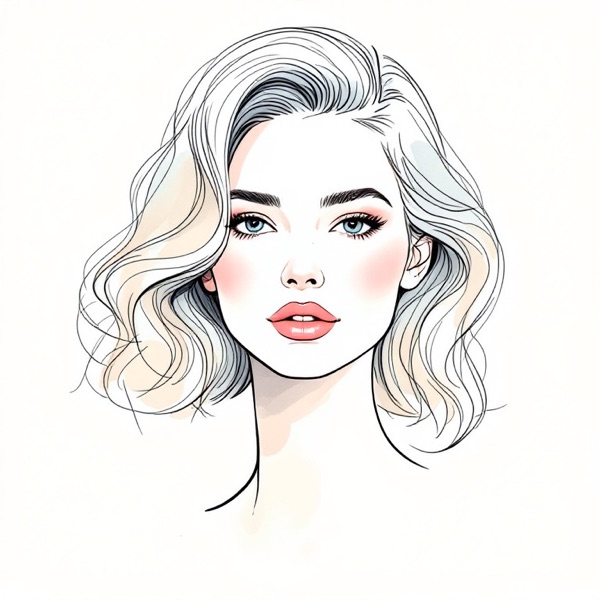
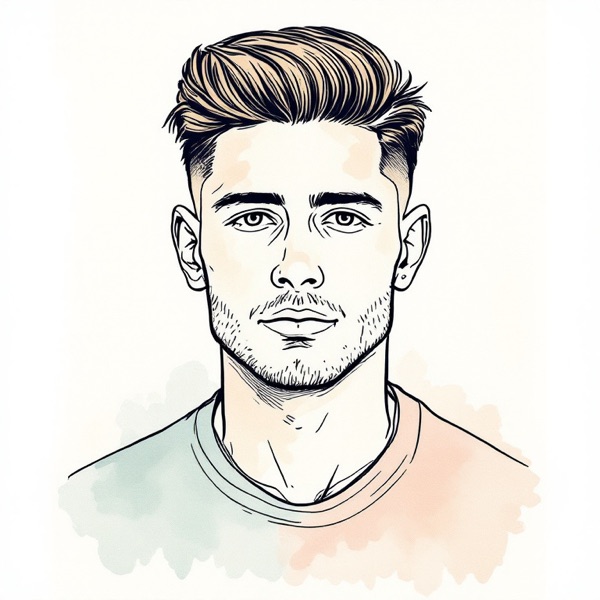
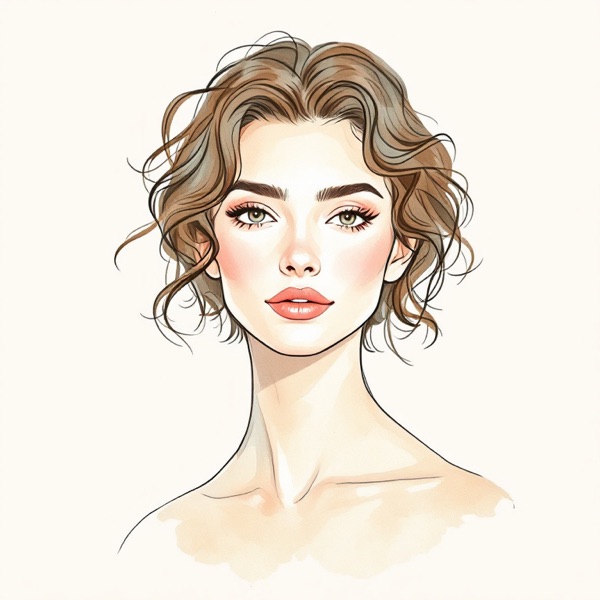
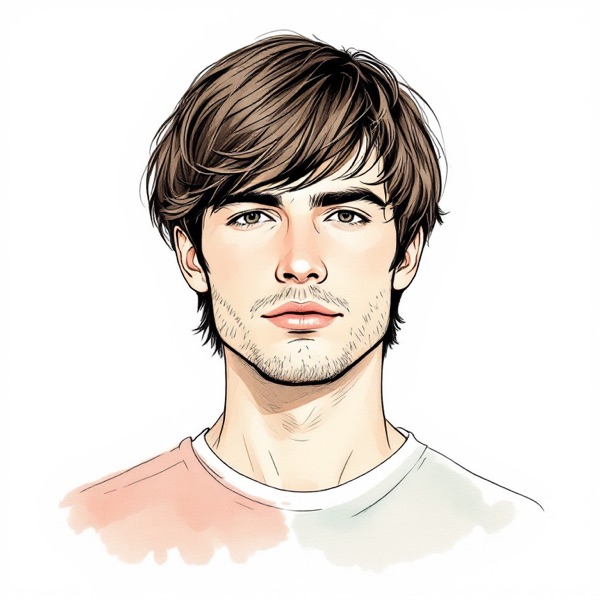
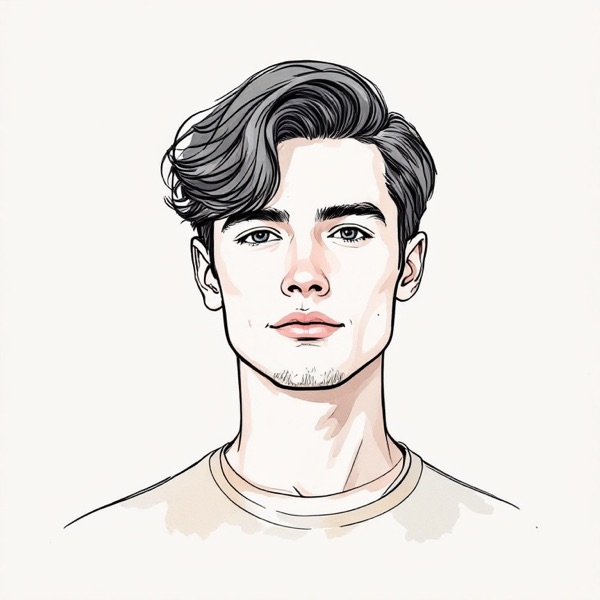
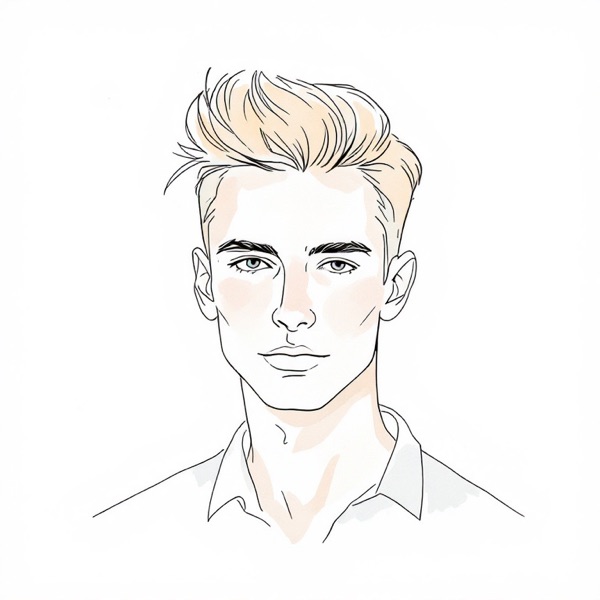
What an AI hairstyle changer does
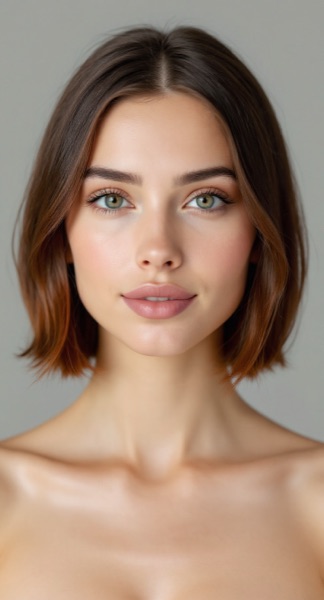
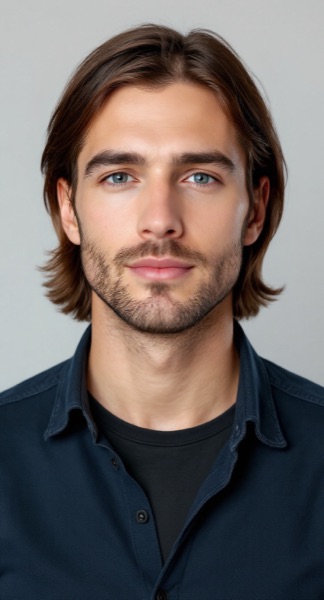
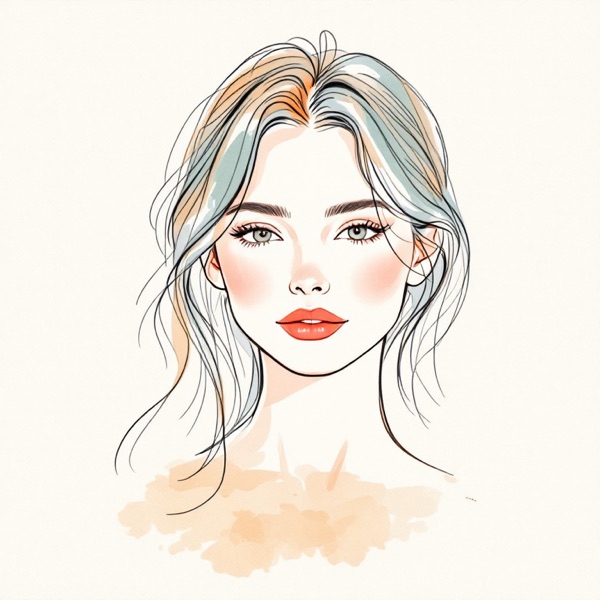
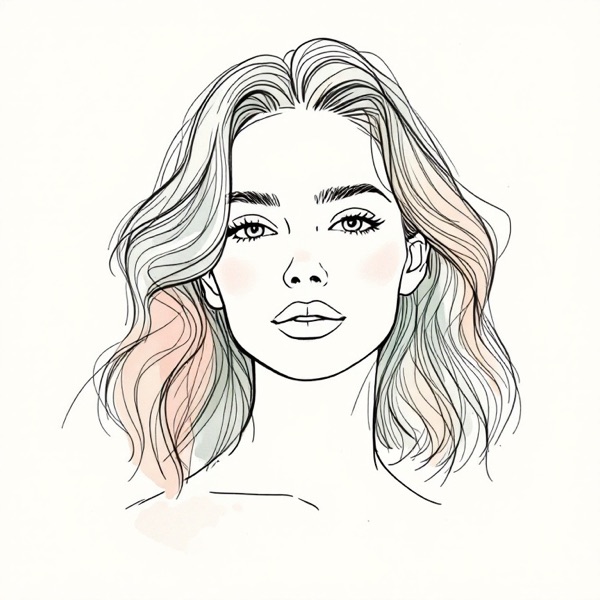
An AI hairstyle changer answers one question before you sit in the chair: what would this cut look like on me? You give it a photo of your face, choose a style, and an image model repaints the hair while keeping the rest of the picture as it was. A good result looks like a second photo of you taken on a different hair day.
That is a real step up from the virtual makeovers of a few years ago, which laid a cut-out wig over your forehead. A current image model reads the angle of your head, your hairline and the light in the room, so a fringe casts a shadow and a bob tucks behind your ear. It also means the picture is generated, not measured, and it can be wrong about details. Knowing which parts to trust is most of the skill of using one, and this page covers that too.
Most tools on the market are one feature inside a photo editor: upload any picture, scroll a few hundred presets, pay with credits. The AI hairstyle changer on this page is narrower on purpose. It works from a live selfie, measures your face shape first, and offers a short catalog of reviewed cuts in place of a wall of filters.
How this AI hairstyle changer works
The tool at the top of the page runs in five moves:
- Sign in and agree once. Previews belong to your account. A one-time screen asks you to confirm you are 18 or older, that the selfie is of you, and that you agree to send it to the image model.
- Take a live selfie. Your camera opens in the page. There is no upload button.
- Let the browser measure. The same detector as our face shape detector maps 478 points on your face and places you among seven shapes. This happens on your device; nothing has been sent yet.
- Choose a style. The cuts recommended for your shape come first, each with a one-line reason. After them comes the full catalog, sorted into short, medium, long and tied-up.
- Get the preview. The selfie and the style's fixed instructions go to the image model, and the result appears in roughly 10 to 30 seconds with an "AI-generated" label.
Two design choices set it apart from a typical AI hairstyle generator. First, there is no prompt box. Every style is a template whose wording was written and tested by hand, and each one tells the model to change the hair only. Second, the styles are not a random set. They are the cuts our styling library recommends across the seven face shapes, so the thing you preview is the thing the scan suggested.
Which hairstyles to try first
A changer with 200 presets leaves you guessing. The AI hairstyle changer here starts from the outline of your face, because a cut works by moving where the eye finds length and width.
- A round face gains from height on top and length below the chin. See hairstyles for round face shapes.
- A long face gains from width at the sides and a fringe. See hairstyles for a long face.
- A square face is softened by layers and waves that pass the jaw. See hairstyles for a square face.
- A heart-shaped face is balanced by fullness near the jaw. See hairstyles for a heart-shaped face.
- A diamond face is balanced by width at the forehead and the chin. See hairstyles for a diamond face.
- An oval face takes most lengths. See hairstyles for an oval face.
If your result reads "Between" two shapes, try a style both lists share; curtain bangs and long layers turn up for several shapes. And if you already have a cut in mind, skip the picks and go straight to it. The AI hairstyle changer treats its recommendations as a place to begin, not a fence.
Not ready for a selfie? The what haircut should I get page gives the picks for your shape from a free scan, with no account.
Men's haircuts in the AI hairstyle changer
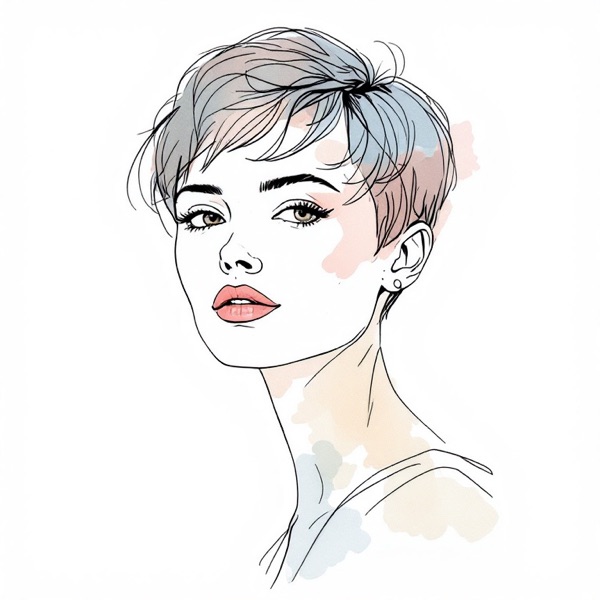
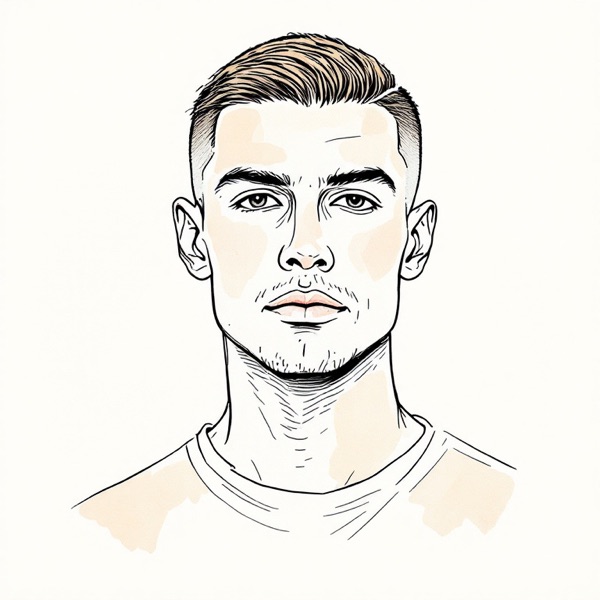
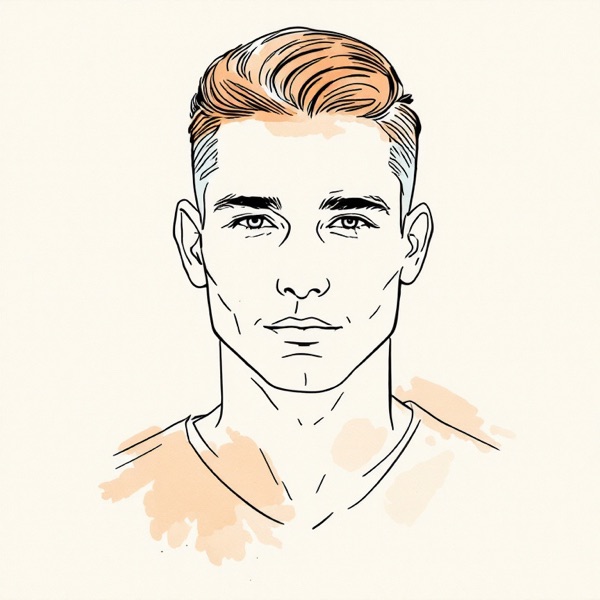
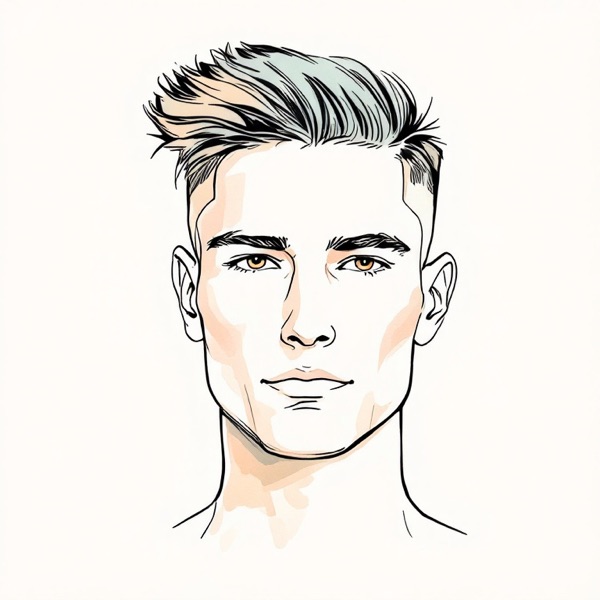
Men's styles are often an afterthought in an online hairstyle changer: a dozen presets at the end of a long women's list. Here they make up the largest group in the catalog. You can preview a buzz cut before you take the clippers to your head, compare a textured crop with a quiff, see whether an undercut or a taper fade changes how wide your face reads, or find out what six months of growing toward medium-length flow would look like.
For short cuts the selfie matters more than usual. If your hair is long now, tie it back flat before you take the photo, so the model is not asked to make a ponytail vanish. The guides to round face hairstyles for men and oval face hairstyles for men explain which of these cuts suit each shape and which beard goes with them.
How to get a realistic preview
The AI hairstyle changer can only work with what the selfie shows. A minute of setup improves every result that follows:
- Stand facing a window. Soft light from the front beats a ceiling lamp, which throws shadows under the brow and chin.
- Hold the phone at eye level, an arm's length away. Too close and the lens widens your nose and narrows your ears.
- Show your whole head and some neck. A long style needs room to fall.
- Clear your face. Push hair off your forehead, take off a hat, and remove glasses unless you want them in the result.
- Keep a neutral expression. It keeps the jaw and the hairline easy to read.
Then use the same selfie for every style you want to compare. When only the hair changes between two pictures, the difference you see is the haircut.
What an AI preview cannot tell you
Used as an AI haircut simulator, the tool is strong on shape: where a lob ends against your jaw, how much a fringe shortens your forehead, how a crop changes your outline from the front. It is weak on the hair you actually have.
It does not know your texture or density, so it draws an average version of each cut. It does not know your hairline or your cowlicks, which decide how a fringe sits in real life. It will not show how a style looks on day three, or how long it takes you to dry it. And it does not change color.
So take the picture to your appointment as a direction, along with the name of the style. A stylist can tell you in a minute whether your hair will hold that shape and which version of it would.
Privacy and price
A selfie is personal, so here are the plain facts. The face shape reading happens on your device. The selfie leaves it once, when you ask the AI hairstyle changer for a preview, and travels over HTTPS to our image provider with request storage turned off. We do not save it on our servers. Your results sit in private storage for 30 days, visible only to you, and you can delete one or all of them whenever you like. Nothing is used for marketing or to train models. The privacy policy has the rest.
On price: the first preview is free after you sign in. More cost $4.99 for 20, paid once. There is no subscription to cancel, the credits last 12 months, and a failed generation gives its credit back. If you only want to try the AI hairstyle changer free, one preview of a style picked for your face shape is the most useful way to spend it.
Updated 2026-10-05